Why Figma Is Better Than Adobe for the Modern Designer
In the ever-evolving world of design, tools can make or break workflows. While Adobe has long been the industry standard with tools like Photoshop, Illustrator and XD, a new champion has emerged, and its name is Figma. Figma is sleek, collaborative and built for the cloud. It is redefining what modern designing looks like. But why exactly is Figma better than Adobe for today’s designers? Let’s break it down.
1. Real-Time Collaboration
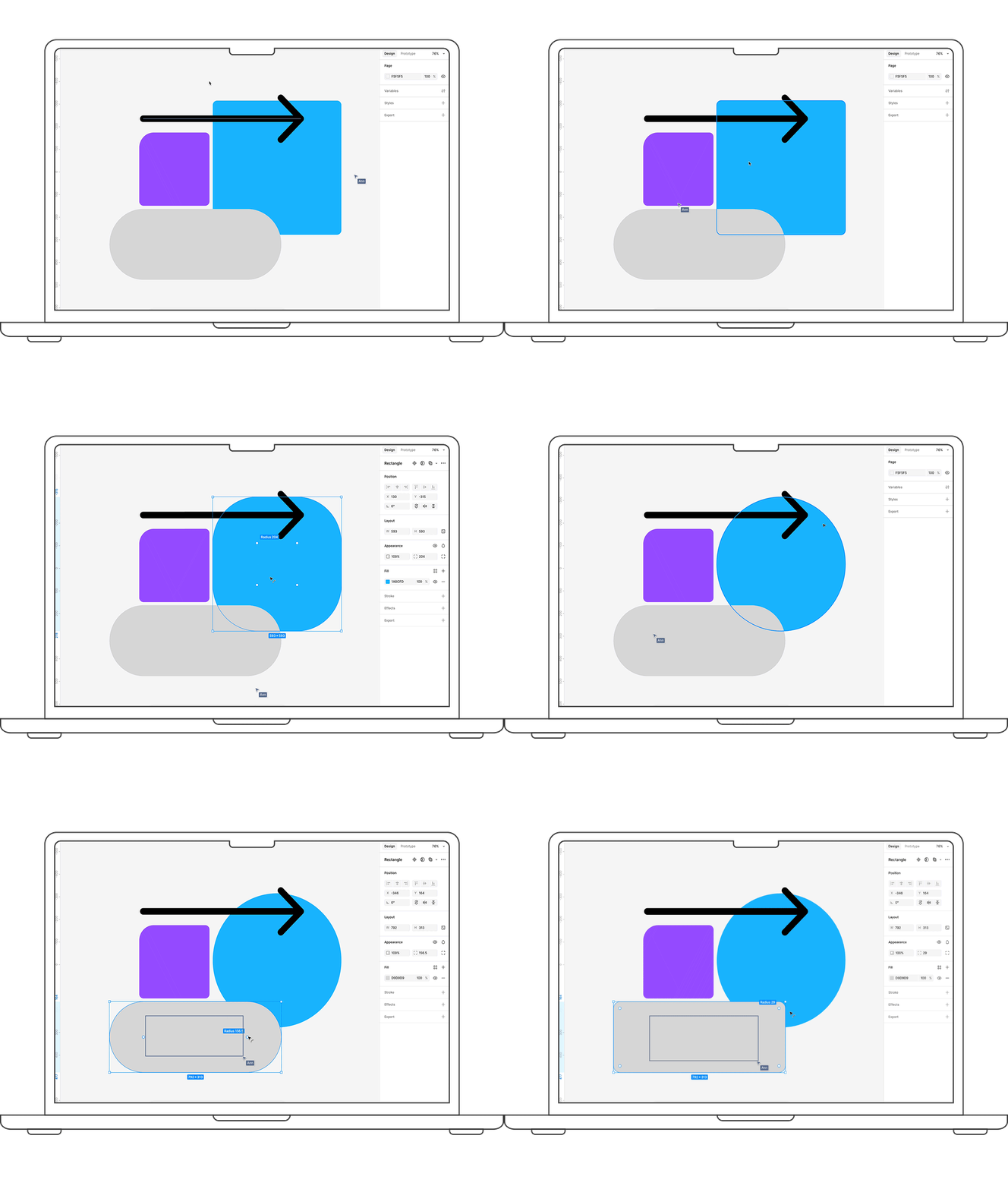
Figma is like Google Docs for design. You and your team can work on the same file at the same time, meaning no file transfers or version mix-ups. Whether you’re brainstorming with your team, getting feedback from a client, or working with developers, Figma keeps everyone in sync. Compare that to Adobe, where collaboration usually means saving, exporting, sharing, editing and repeating.
2. Cloud Based by Default
Figma works directly in your browser, no installations or updates needed. All you need is a link. Adobe, on the other hand, still relies on software downloads and constant updates. In a world where remote work is the norm, being cloud-based is not just convenient, it’s essential.

3. All in One Tool
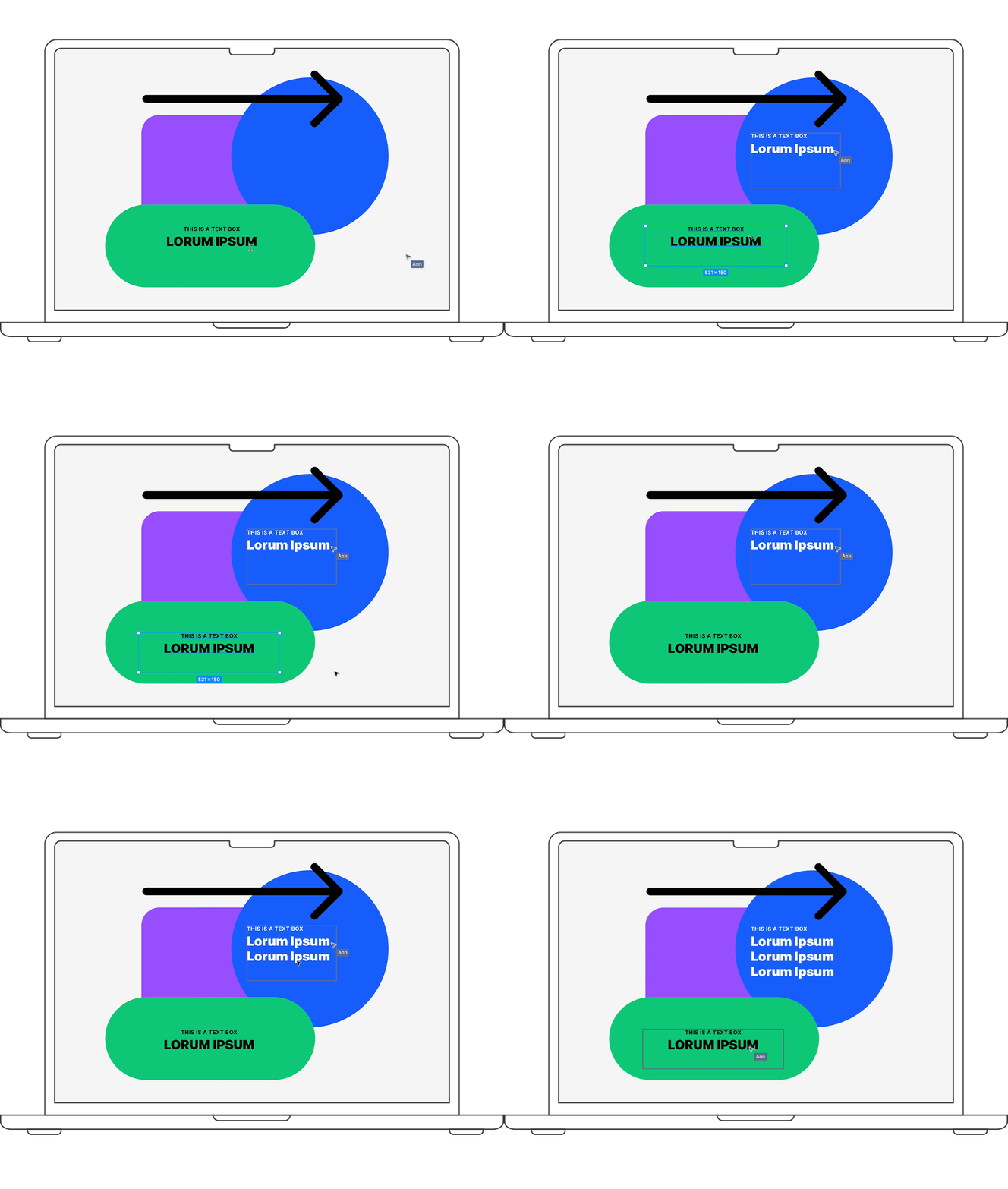
With Adobe, you’re juggling different apps, XD for layout, Photoshop for images, Illustrator for vectors. It gets messy fast. Figma keeps everything in one place, design, prototyping, feedback and even vector work. This makes your workflow smoother and faster, especially when working on fast-paced projects.
4. Version Control and Commenting
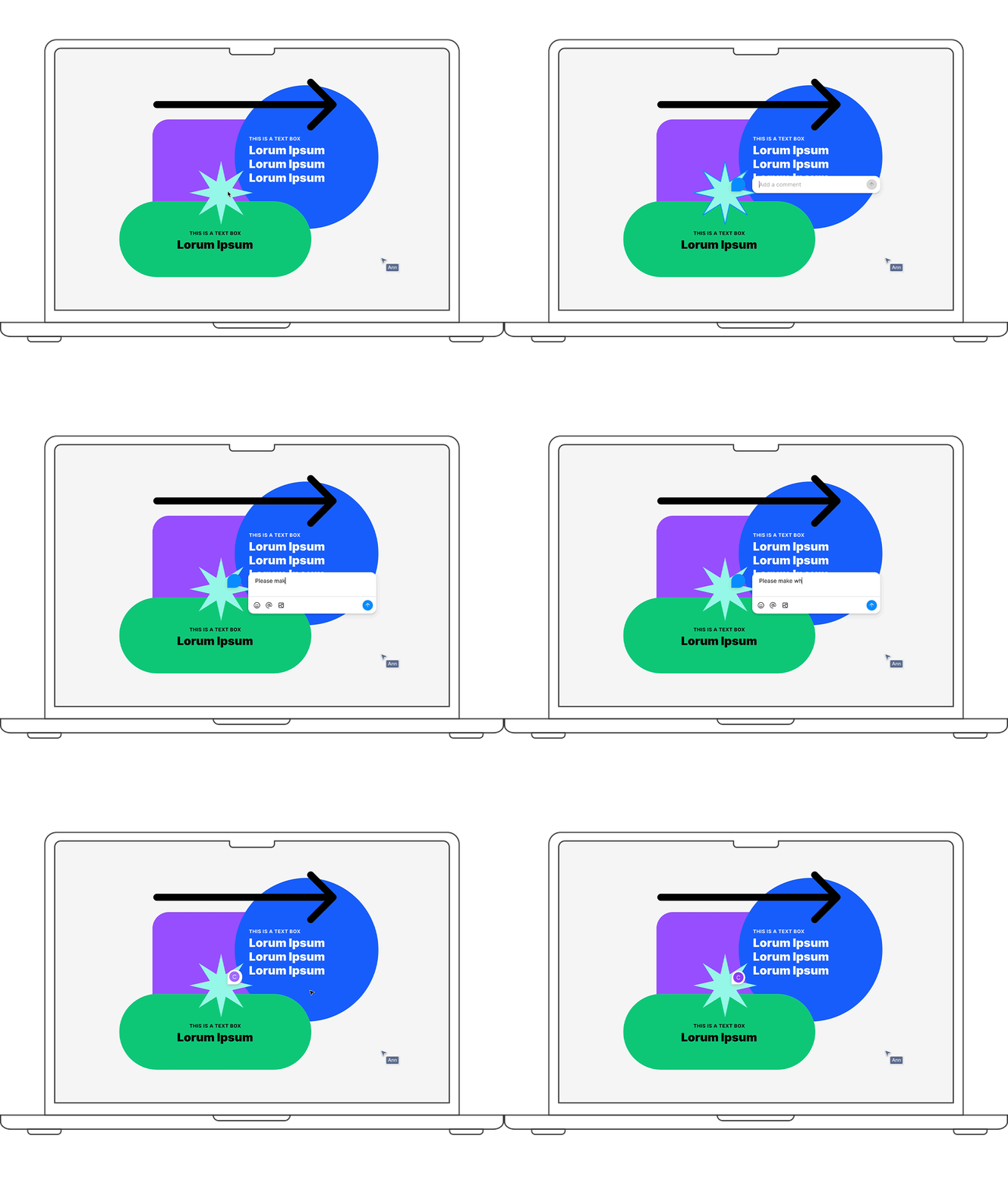
Design feedback happens in real time with Figma. Team members can leave comments directly on the design, and version history is automatic. You can roll back to previous iterations at any time. In Adobe, managing versions usually means manually saving separate files.
5. Painless Developer Handoff
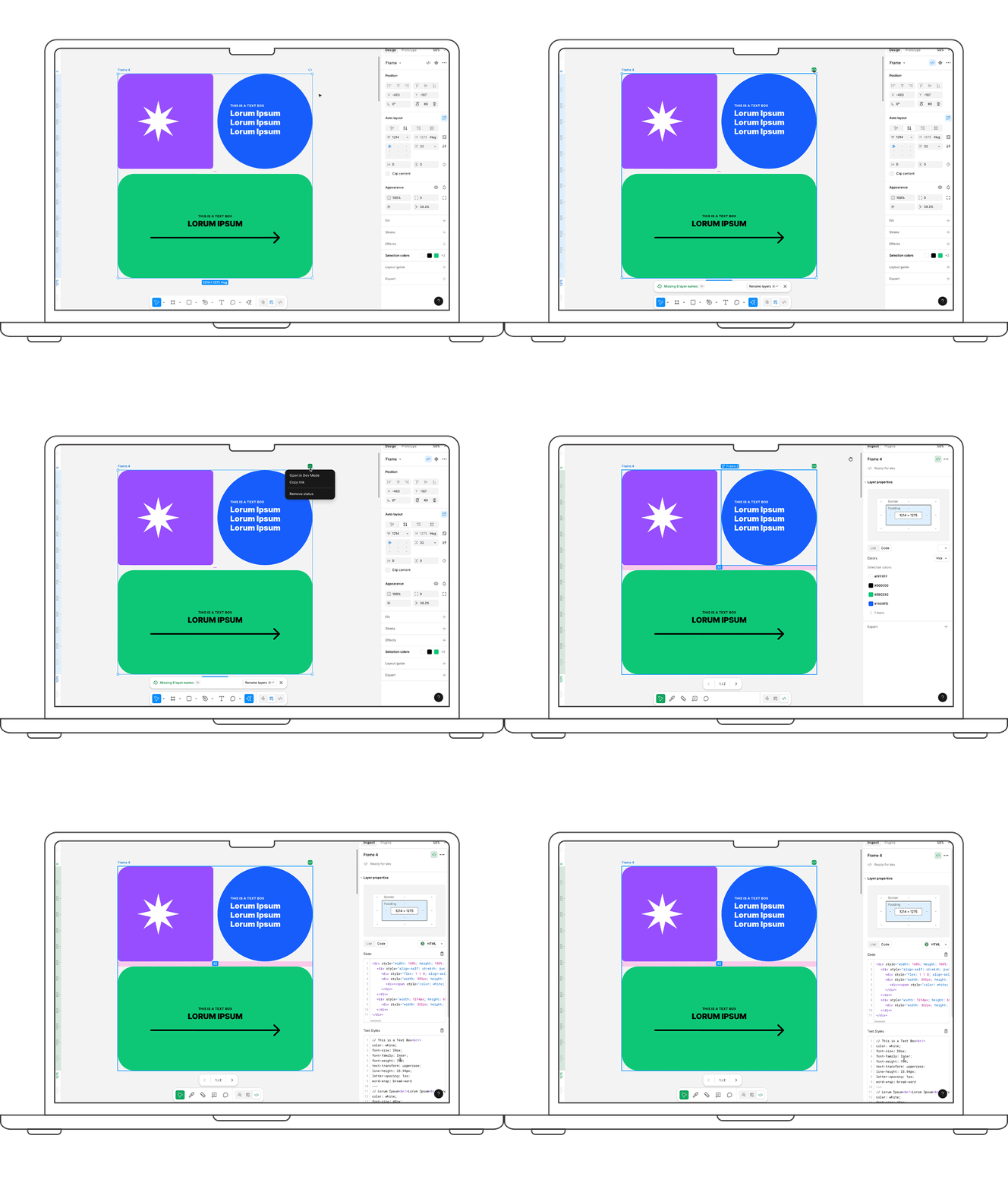
Once your design is done, handing it off to developers can be a headache, but not with Figma. Developers can open the file, inspect elements, grab CSS and download assets, without needing a paid account. No extra tools or exports required.
6. Pricing That Actually Makes Sense
Figma offers a robust free plan, great for freelancers and small teams. Their Pro and Organization plans are priced reasonably and pack a lot of value as well. Compare that to Adobe’s Creative Cloud, where you often must pay for multiple apps just to get the same features. Those monthly fees add up fast.
Key Takeaway:
You’re never designing alone. Figma offers real-time collaboration, cloud-based access, seamless prototyping, and built-in developer handoff, all in one intuitive platform. It’s the go-to tool for fast, flexible, and team-friendly designs in today’s digital-first world.
However, Adobe still has a place in the creative world, especially for photo editing, advanced vector work and illustration. But when it comes to modern UI/UX design, collaboration and workflow efficiency, Figma is winning the hearts of designers all over. For the modern designer, Figma is the clear choice.
If you haven’t tried Figma yet, what are you waiting for?
What Goes into Making a Tagline That Really Sings?
Marketing to Women: The Dos and The (Please Definitely) Don'ts
Get Something Exciting This Summer



Made with ♥ in the 312


1006 S. Michigan Ave. Suite 601
Chicago, IL 60605